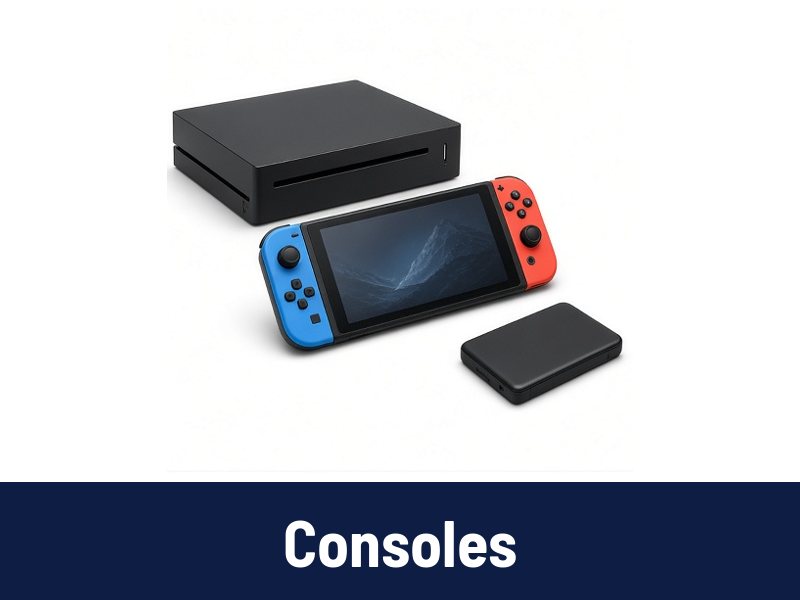
 Consoles
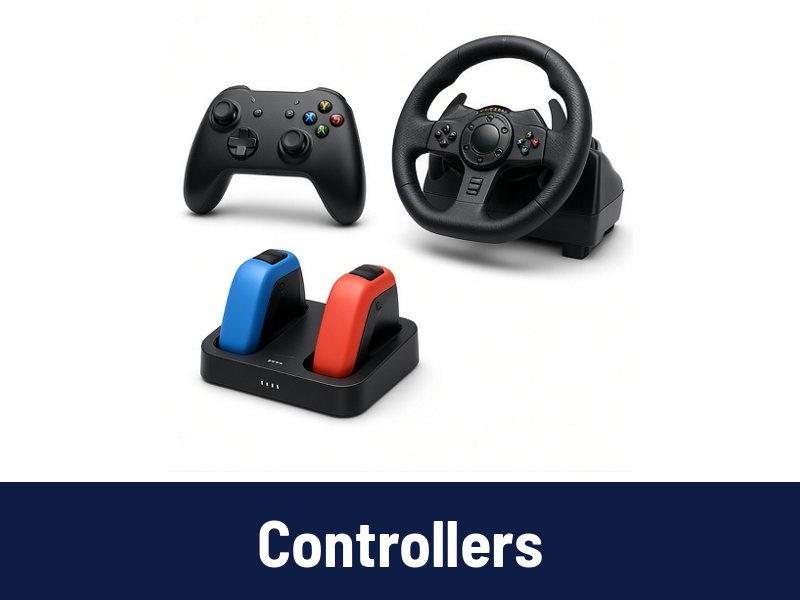 Controllers
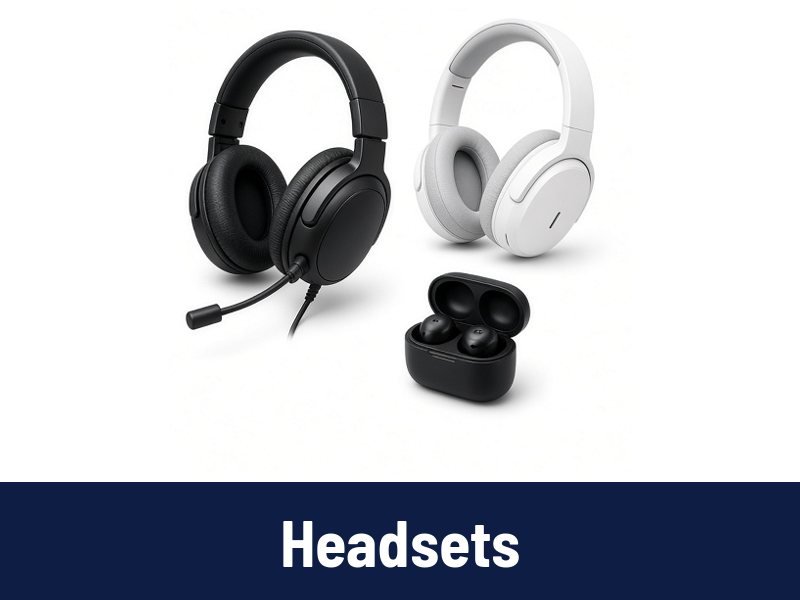 Headsets
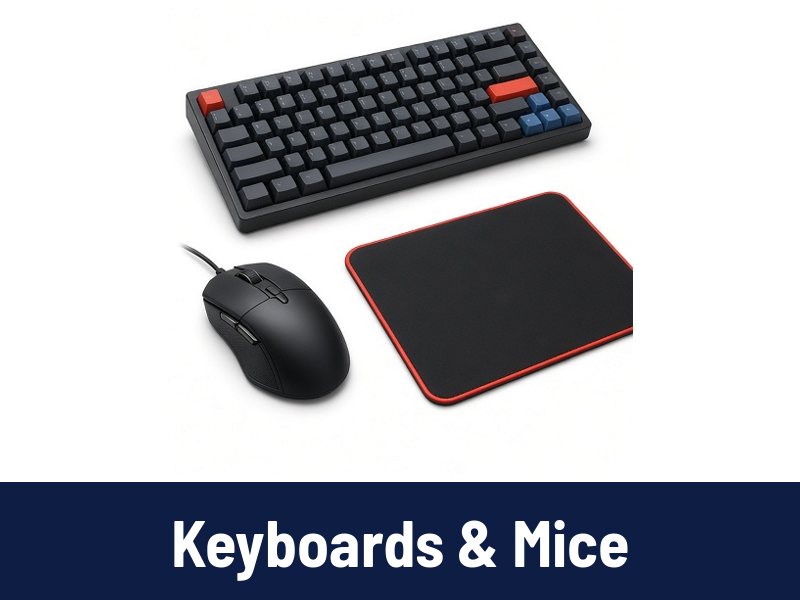 Keyboards & Mice
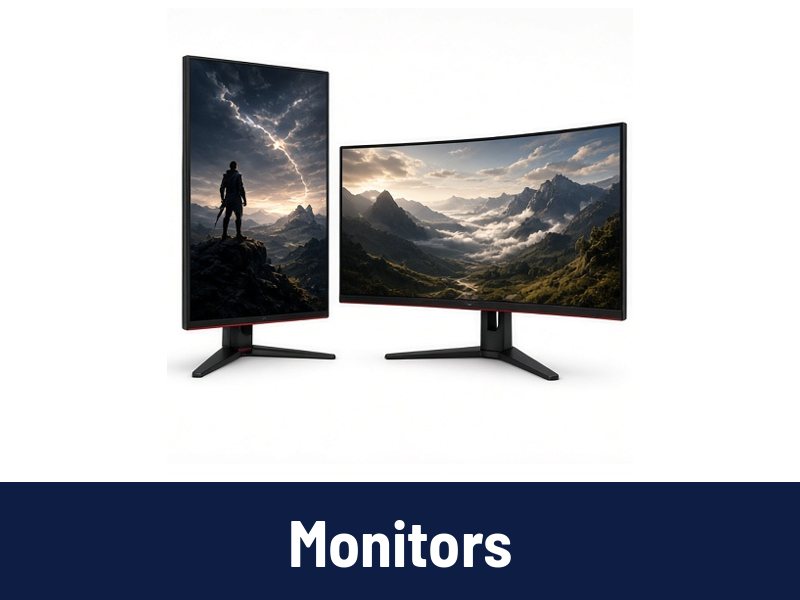 Monitors
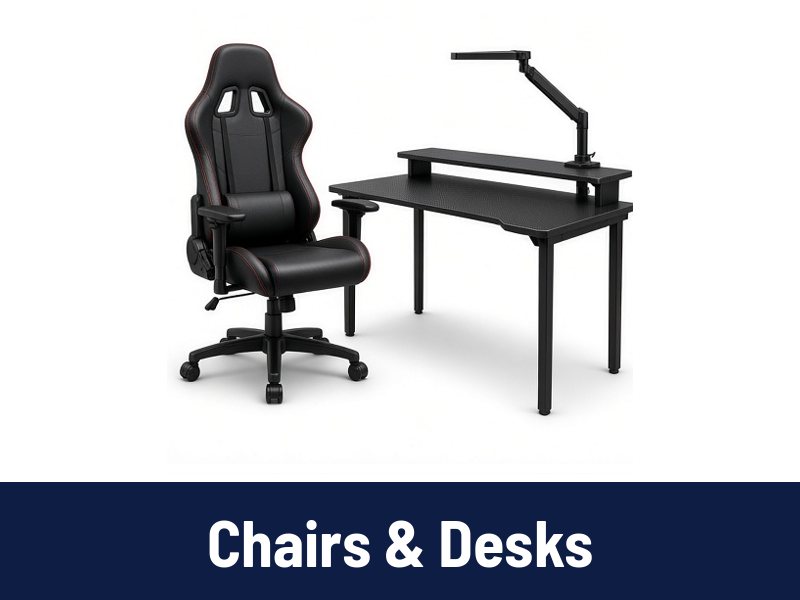 Chairs & Desks
Specs explained
How to choose a gaming monitor
A gaming monitor is about more than screen size.
Resolution and size
1080p works well on 24-inch screens, 1440p on 27-inch, and 4K on 27 to 32 inches or larger. Higher resolution needs a stronger graphics card on PC.
Refresh rate
Measured in Hz. 144Hz or higher feels much smoother than 60Hz in fast games. Current consoles support up to 120Hz in some games, so check HDMI 2.1 support if you play on console.
Panel type
- IPS: good colors and viewing angles.
- VA: strong contrast, good for dark rooms.
- OLED: excellent contrast and response, usually at a higher price.
Variable refresh
FreeSync or G-SYNC compatibility reduces screen tearing.
Ports and stand
Check for the right ports (DisplayPort, HDMI) and whether the stand adjusts for height.