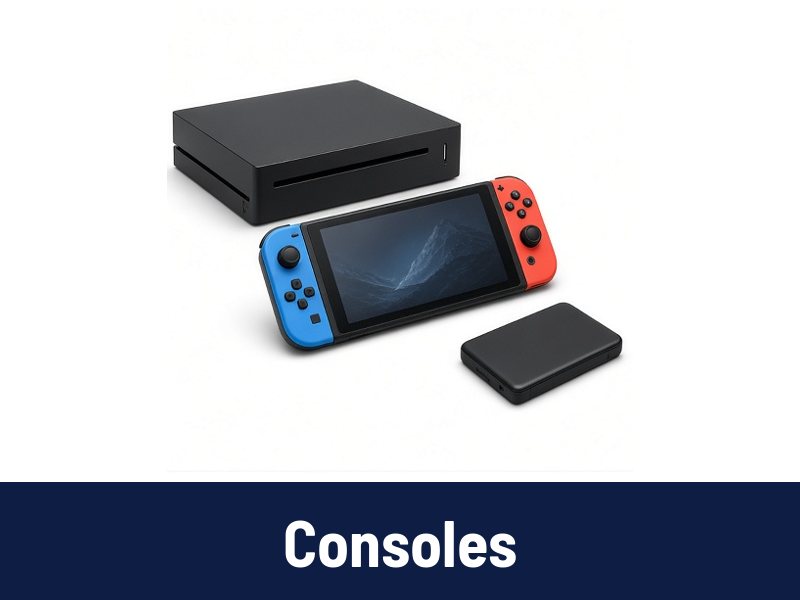
 Consoles
 Controllers
 Headsets
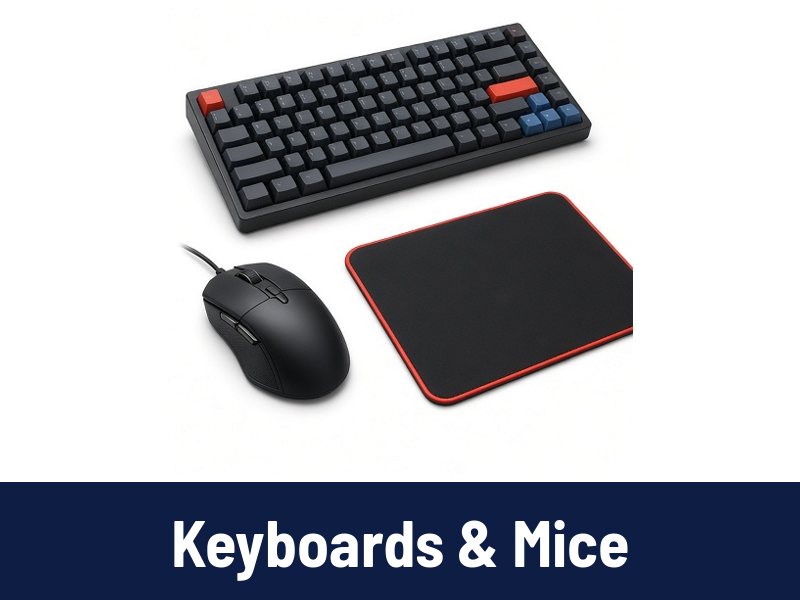 Keyboards & Mice
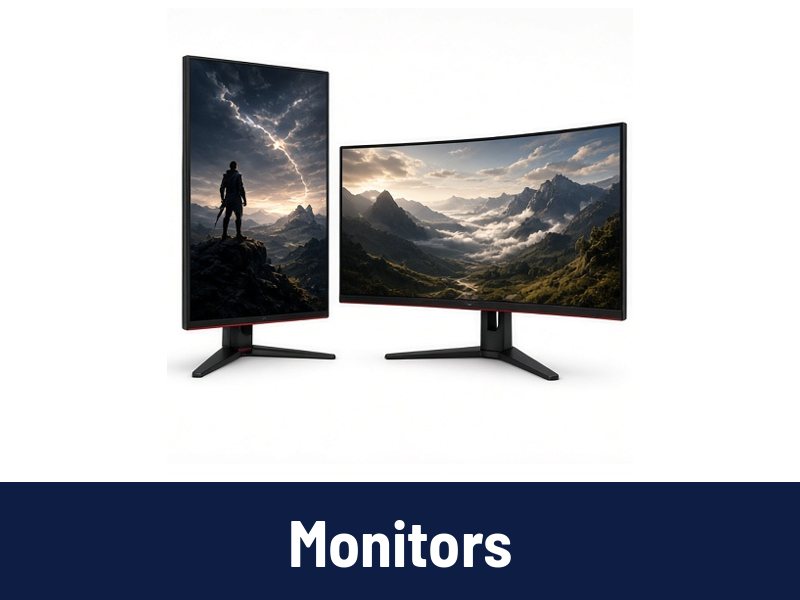 Monitors
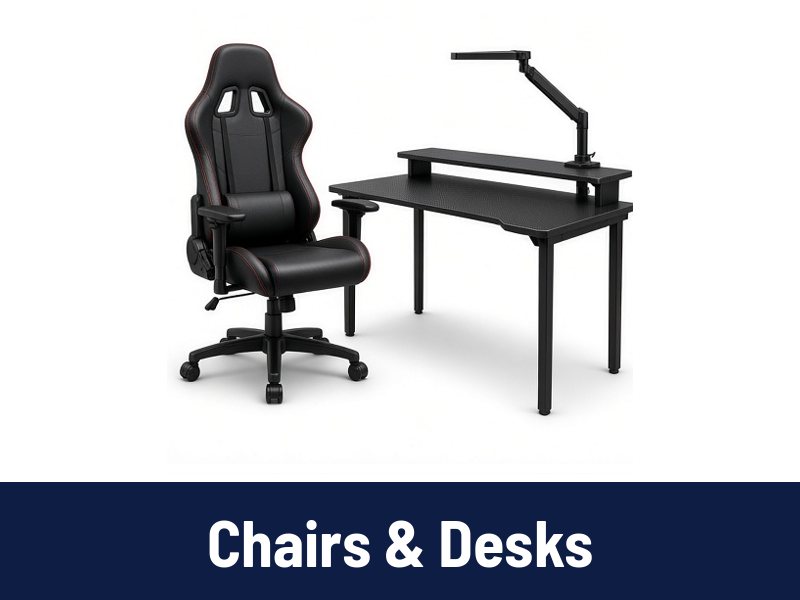 Chairs & Desks
Setup guides
How to set up a comfortable gaming desk

A comfortable setup helps you play longer without aches.
Desk and chair height
Set the chair so your feet are flat and knees about level with the hips. Adjust the desk or keyboard so your elbows rest near 90 degrees.
Monitor position
Place the top of the screen at or slightly below eye level, about an arm's length away. A monitor arm makes fine-tuning easy.
Keyboard and mouse
Keep them close so your shoulders stay relaxed. A large mouse pad gives room for low sensitivity settings.
Lighting
Soft light behind the monitor reduces eye strain in a dark room.
Cable management
Cable trays, clips and a power strip under the desk keep the floor clear.
Take breaks
Stand and stretch every hour or so.